Plan & Write
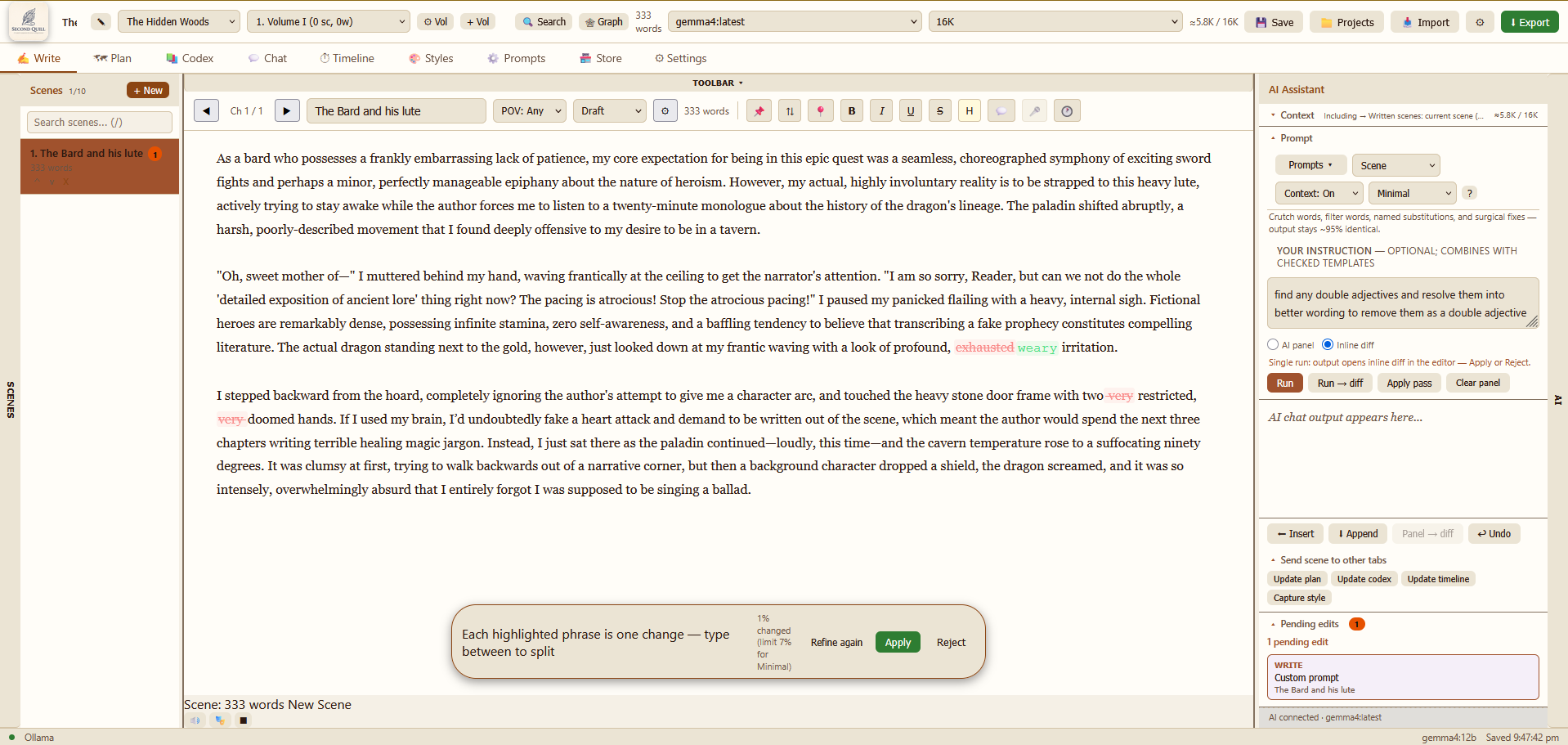
Outlines, beats, and prose with scoped AI — batch runs, inline diff review, and pending-edit refine passes.
From scattered notes to a cohesive manuscript—Second Quill helps you plan, organize, and deepen your draft until it reads with quiet, professional confidence. Your story. Your words.
Version 0.9.0 · Windows 10+
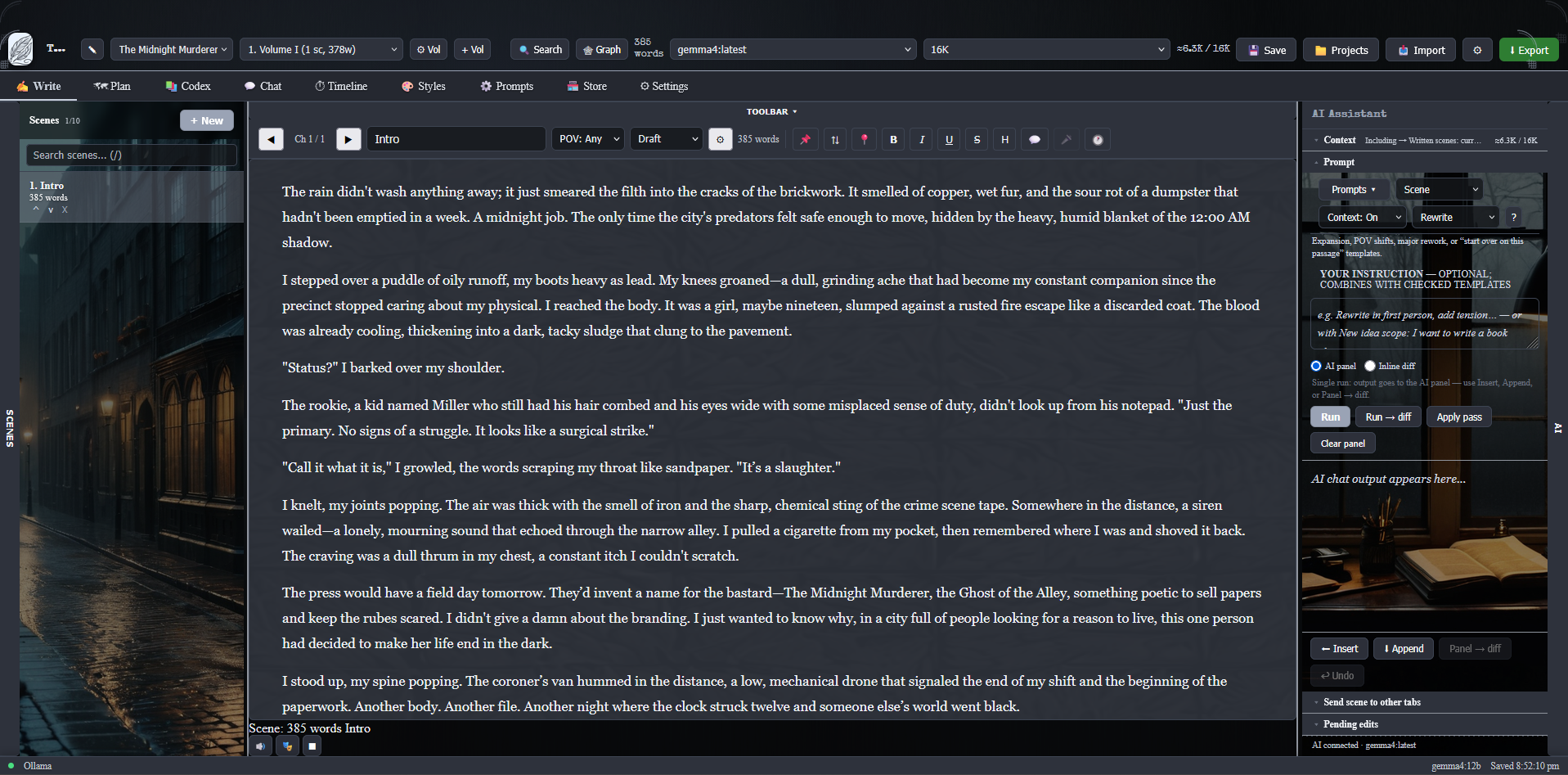
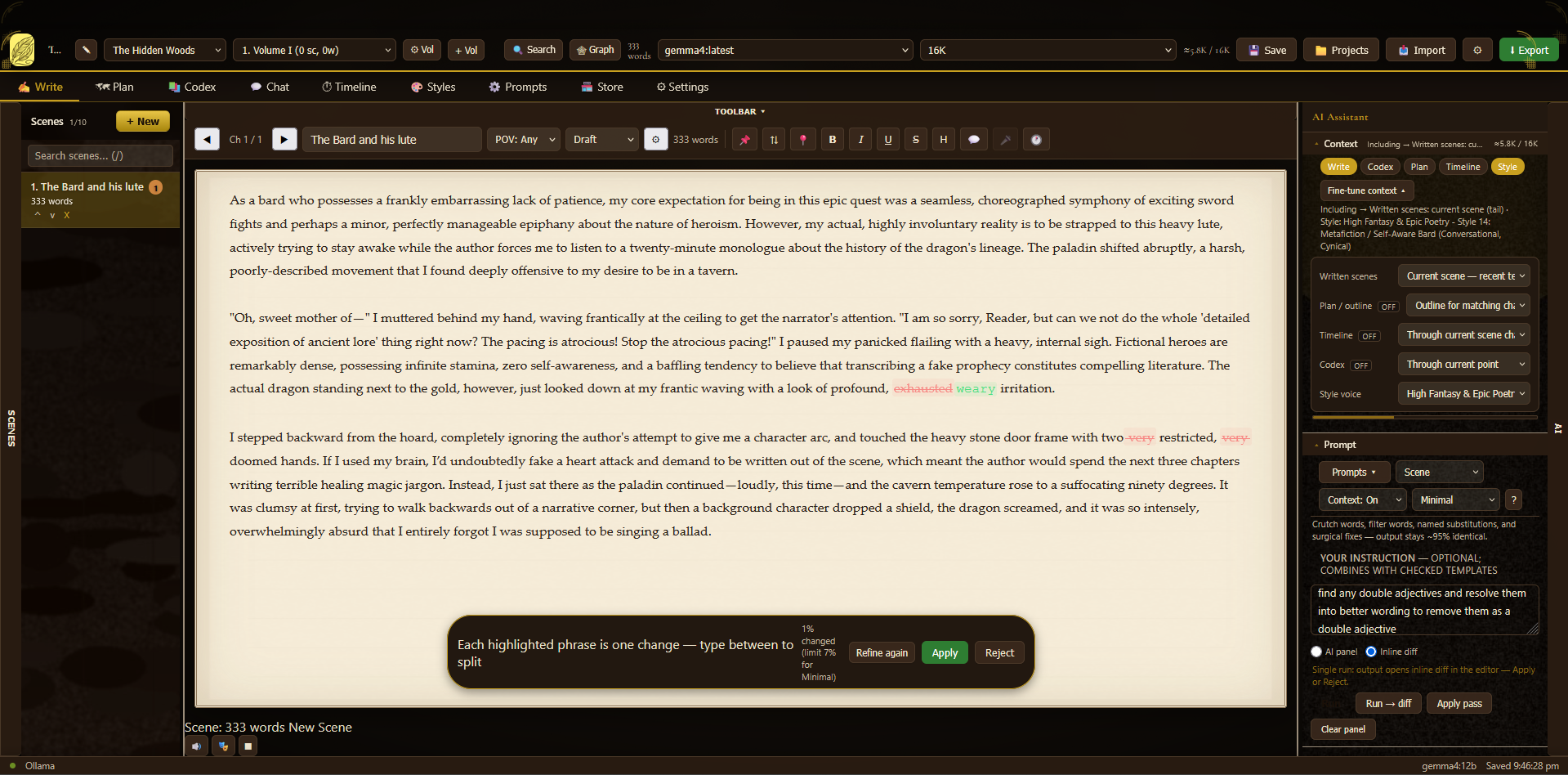
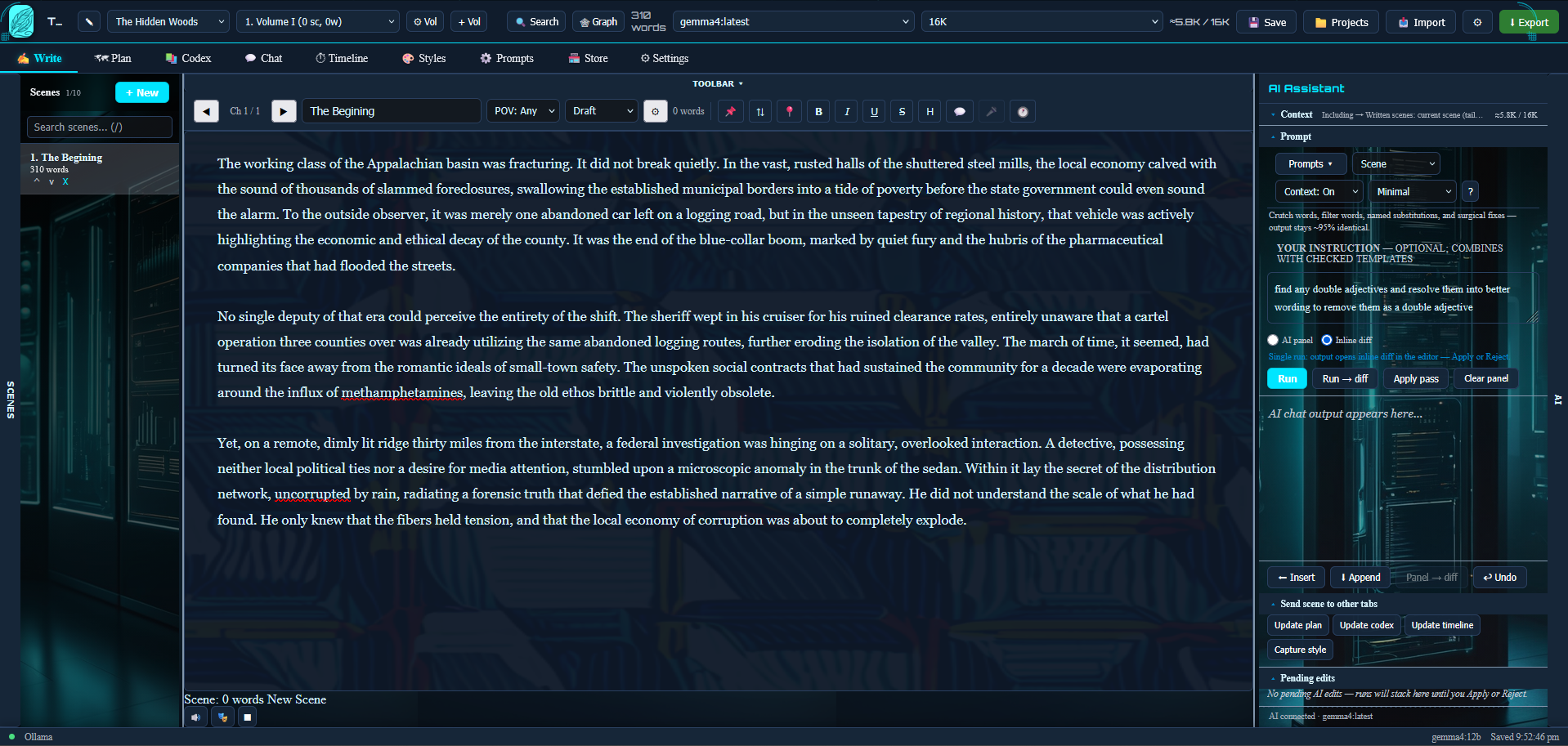
Swap the whole workspace — sidebars, editor paper, and AI panel. Same catalog inside the app and on the web store.
Click a preview to see it full size.
Everything a serious novelist needs — planning, drafting, review, and optional Pro upgrades.
Outlines, beats, and prose with scoped AI — batch runs, inline diff review, and pending-edit refine passes.
Ollama on your PC, or bring your own OpenAI / Gemini / Anthropic keys. Context controls keep prompts within budget.
Prompt packs, themes, capacity upgrades, and bundles — buy for yourself or gift to another writer.
Download free and write on the free tier—no terminal required. When you want more, browse Pro themes, prompt packs, and upgrades in the Store (same account as the desktop app).
Grab the Windows installer for Second Quill.
Run the installer and sign in with Google or email.
Open a project, pick a theme, and draft your first scene.
Need technical setup details? See Documentation for Ollama, API keys, and offline use.
Sign in once on the web or in the app with the same account. Purchased features download to your device and stay available offline for up to 3 days after your last sign-in.
Each account supports up to 3 devices by default. Entitlements are tied to your login. See Terms of Use for details.
One account for the website and desktop app. Purchases and entitlements sync across your devices.
Continue with Google